Chapter 3 Tools, Experiments and Studio Assistance -17. Google AI Studio
The idea of going straight from a rough concept to a completed video without stopping sounds wonderful. A recent class I took focused on producing YouTube Shorts that include images, video sequences, sound effects, background music, and even subtitles. The class was all about this process, but it actually wasn't a "one-stop" solution. It involves several different tools: Google AI Studio, Flow, Suno, CapCut, and Vrew AI.
The course is structured with an initial lecture that introduces and demonstrates the video-making process, specifically for YouTube Shorts. This is followed by a practical session where I can go through every single step the lecturer showed us. This hands-on practice is really helpful for my understanding and gives me a lot more confidence.
My understanding of generative AI is growing, with Large Language Models (LLMs) being one of the most prominent examples. As a beginner learning about AI, it is quite mesmerizing to know that I can simply talk or whisper to an AI to get it to help with my work and business. This is called prompting. Of course, the more specific and detailed my prompts are, the better the final outcome will be.
My initial prompting was done in Google AI Studio. I started by analyzing a very popular YouTube Short in the jewelry-making industry to help plan my own video. Because I had to follow all the steps quickly, the prompt I gave for creating my own Short was: "I would like to create a short that can show the process of perforating a mild steel and silver ring."Yes, it is a bit crap! But I wanted to see how well the AI could understand my rough ideas.
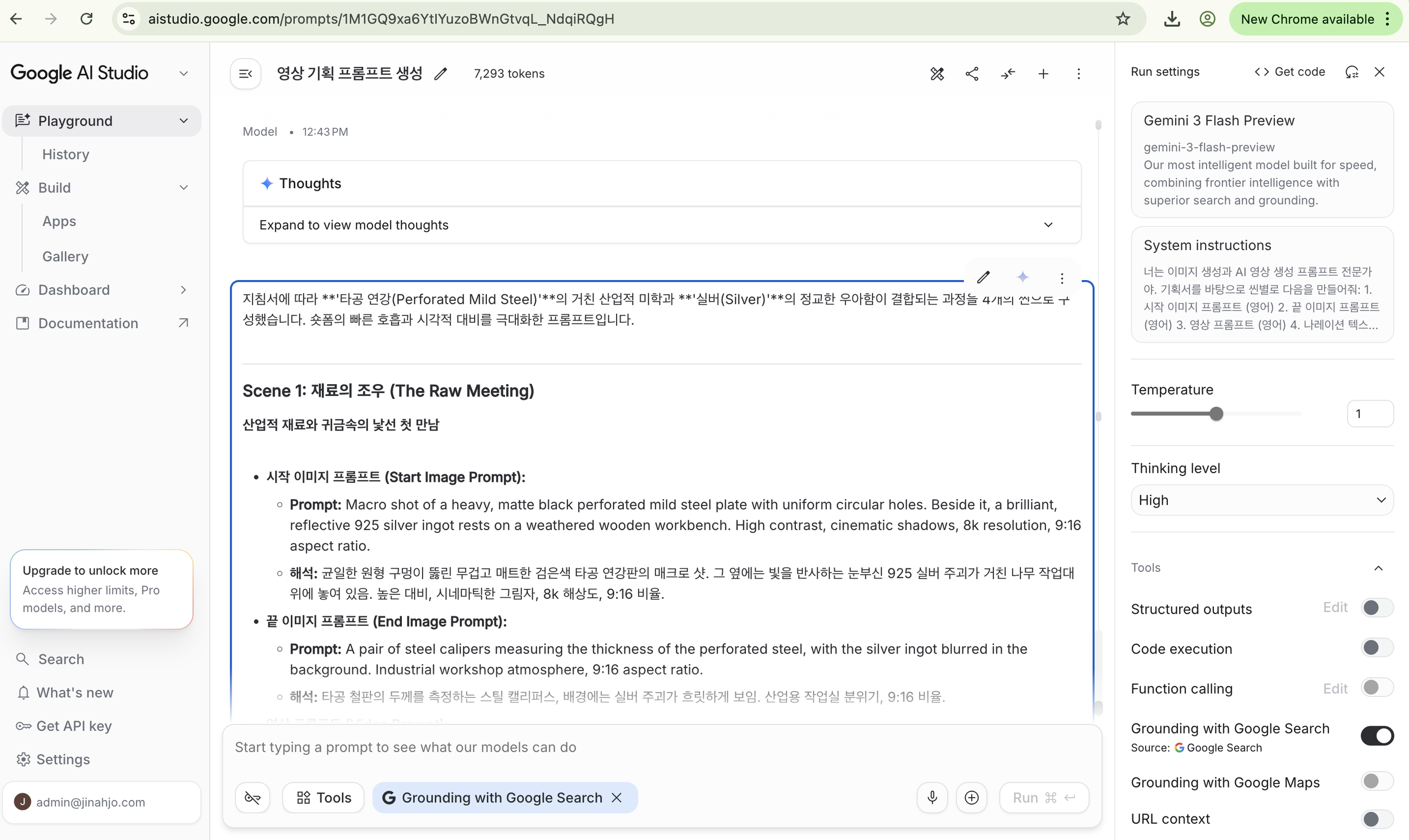
Google AI studio for generating video shorts
I divided the overall prompt into four distinct scenes. Each scene included a start image prompt, an end image prompt, a video prompt, narration, copy, and a music prompt. Providing these detailed prompts helps Flow AI process the information to create the right images and videos. Since the generated video clips are limited to 8 seconds each, you have to combine all the videos together in CapCut. But before doing that, I used Suno to generate the background music, utilizing the specific music prompts that Google AI Studio had already created for my Short.
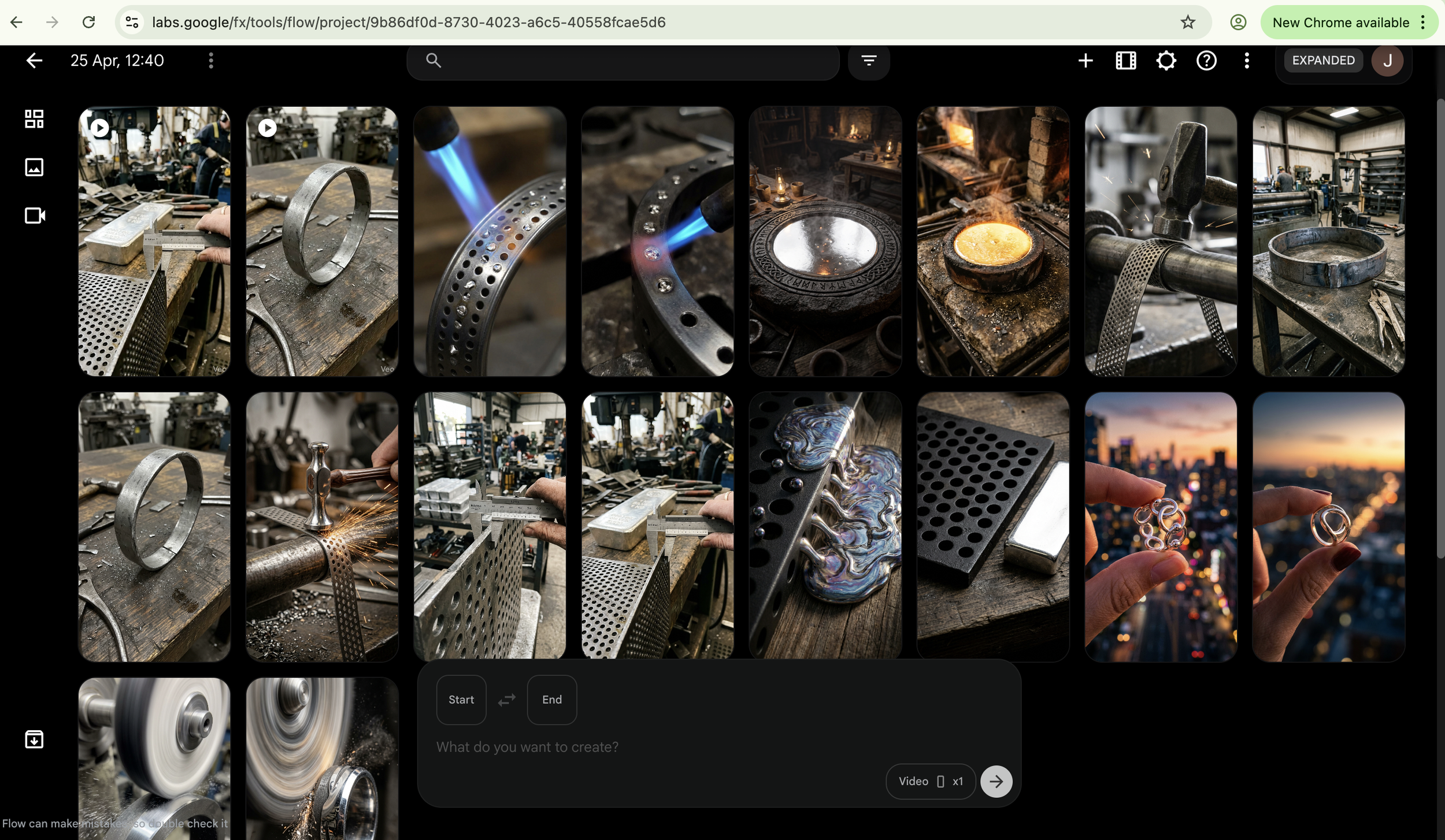
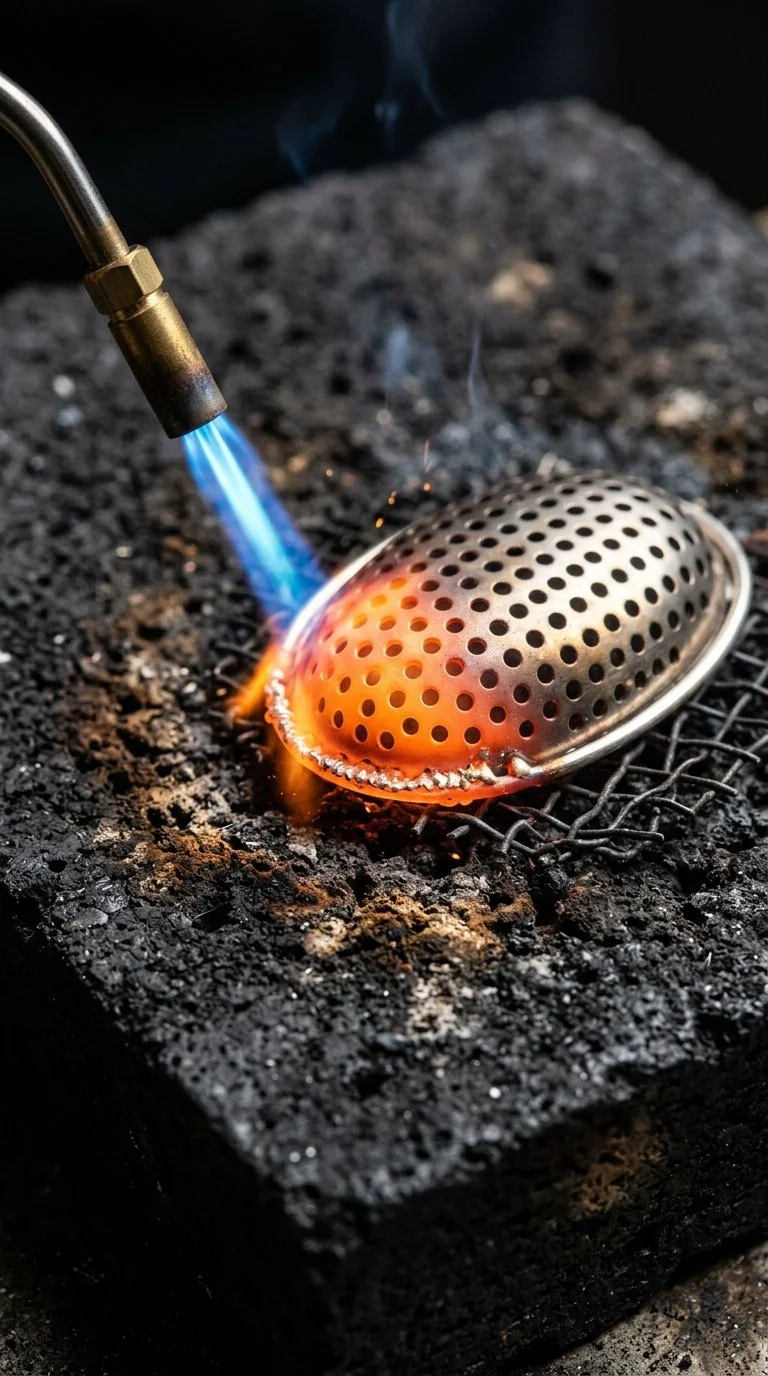
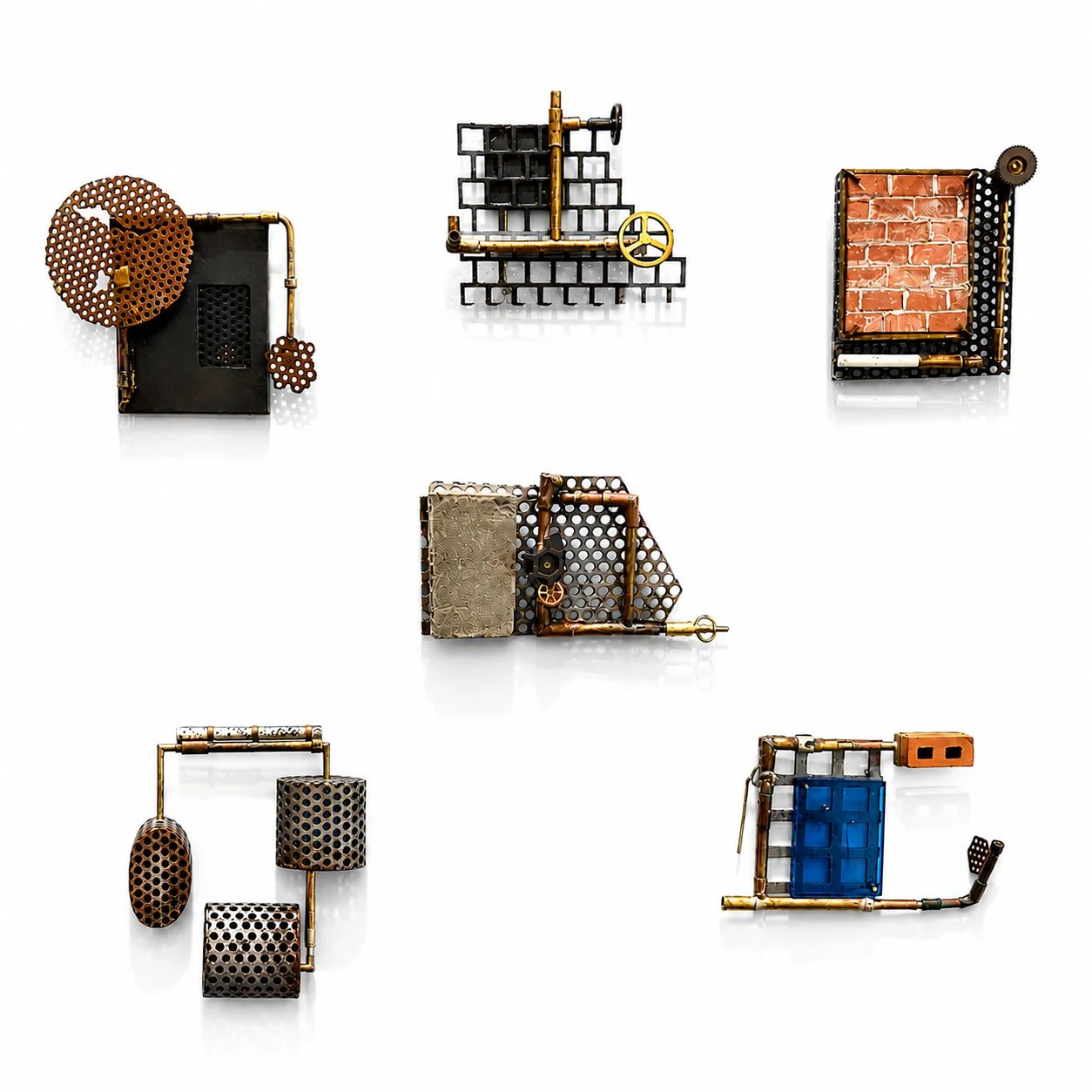
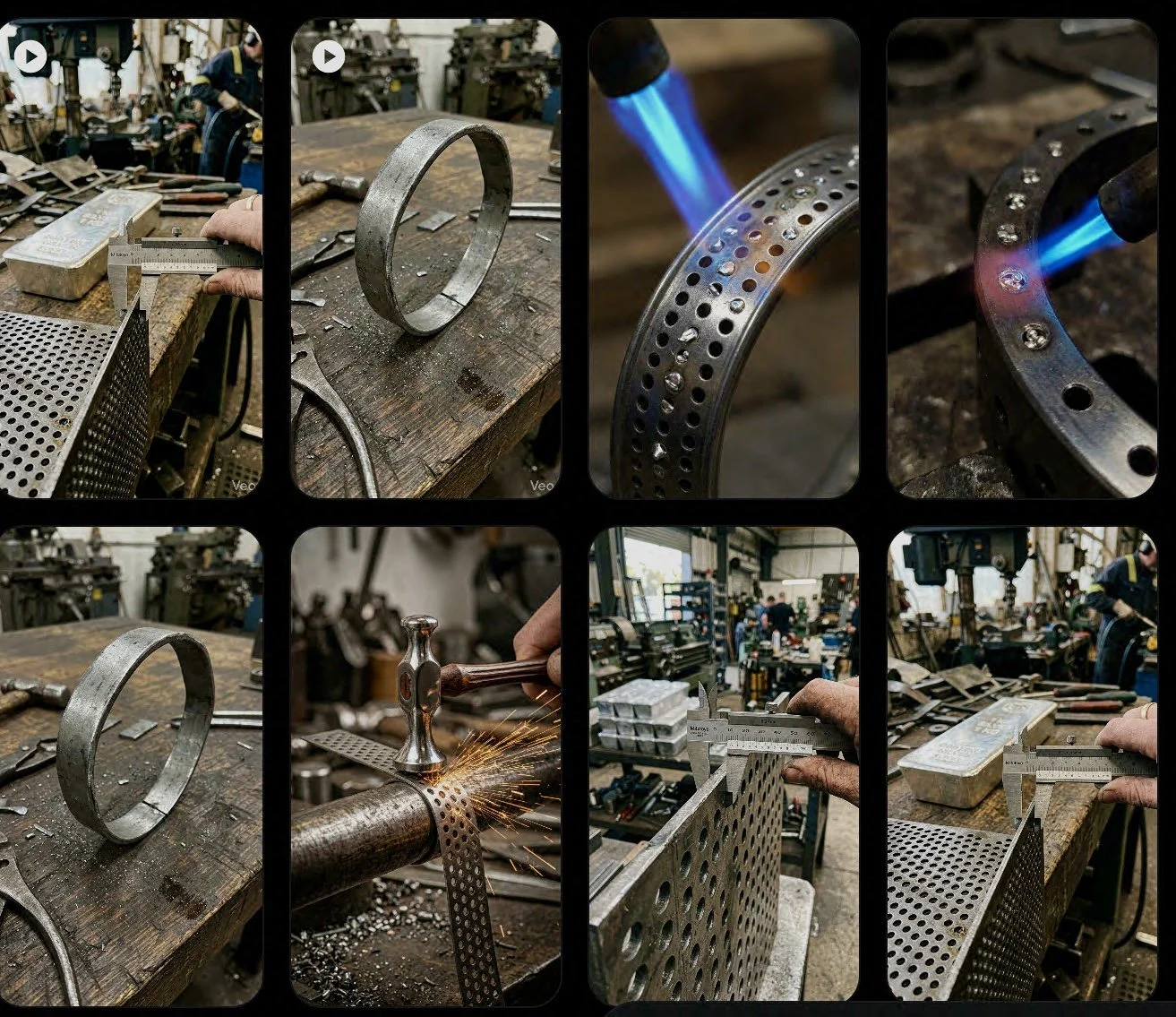
The images created with Flow
Damn! The generated images were so weird. None of them looked anything like the actual, intimate process I use when working with my metals. Whenever the AI tool tried to visualize a ring, perforated steel, or the technique of infusing silver into those perforations, the results looked bizarrely industrialized and mass-produced.
However, this frustration led to a massive realization. This stark contrast between the AI's mechanical output and my actual practice perfectly highlights a very distinctive concept: “my hands think.” An AI might understand the text prompt, but it lacks the embodied, tactile knowledge of a craftsperson who actually feels the metal yield. This tension—between the calculated, algorithm-driven output of a machine and the intuitive, physical knowledge of the maker—is going to be a crucial talking point and a fascinating area of debate for my upcoming Radiant Pavilion 2026 project, "Hand & Algorithm."
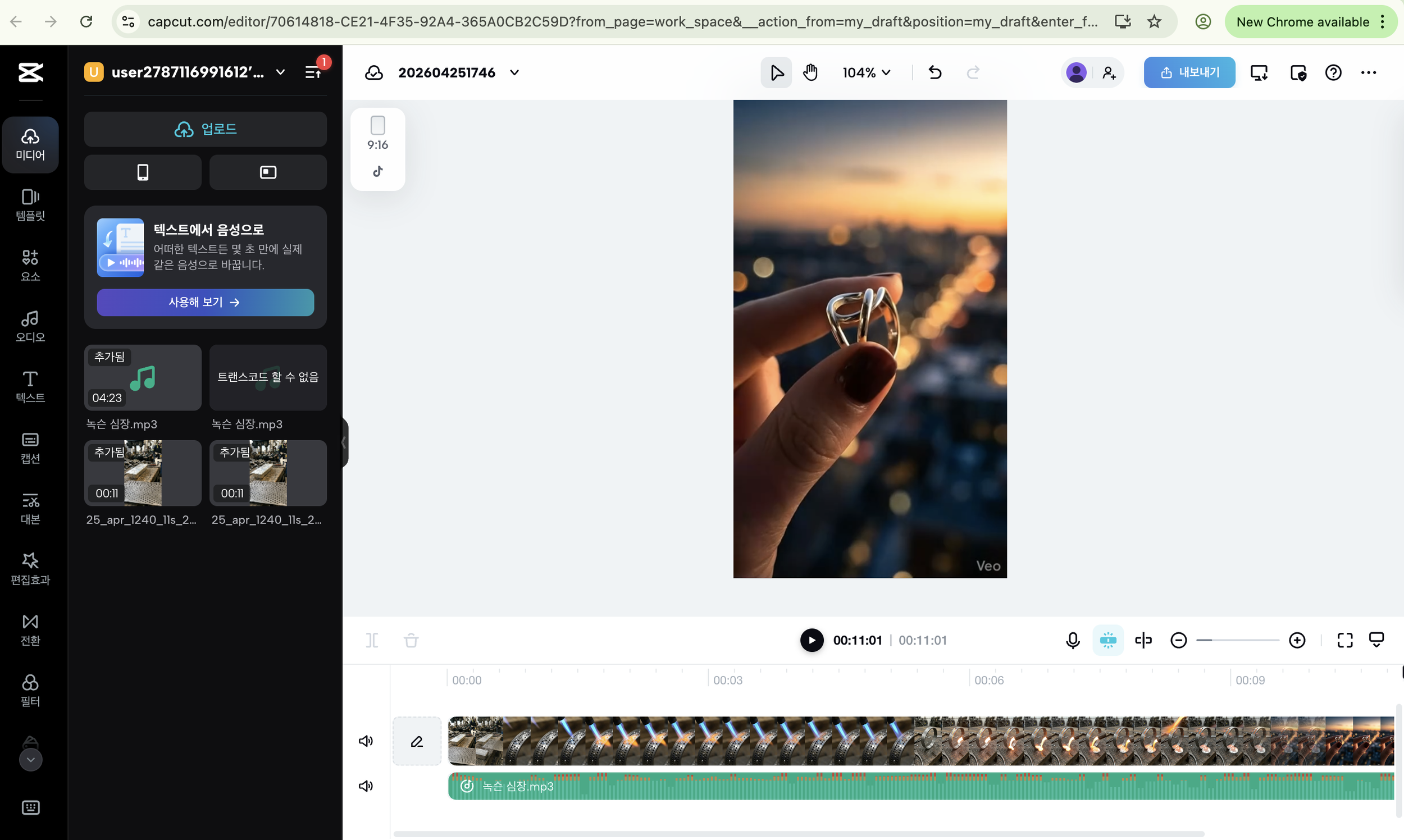
Capcut for combining and editing the images to create a video.
Despite the weird image generations, the tools themselves—Flow, CapCut, Suno, and Vrew—are actually amazing. But tomorrow, I will go back to my physical studio, not the AI studio! 😉
I am going to take plenty of my own photos while making rings with perforated mild steel and silver. I need to put more careful consideration into my prompts, and then I will see what kind of difference it makes when I inject my own visual language and material knowledge into the AI. I want to see if I can capture the true human element: the authenticity, the hesitation, the silence, the real noise, and the dirty fingers infused with the real energy of making.
Stay tuned!
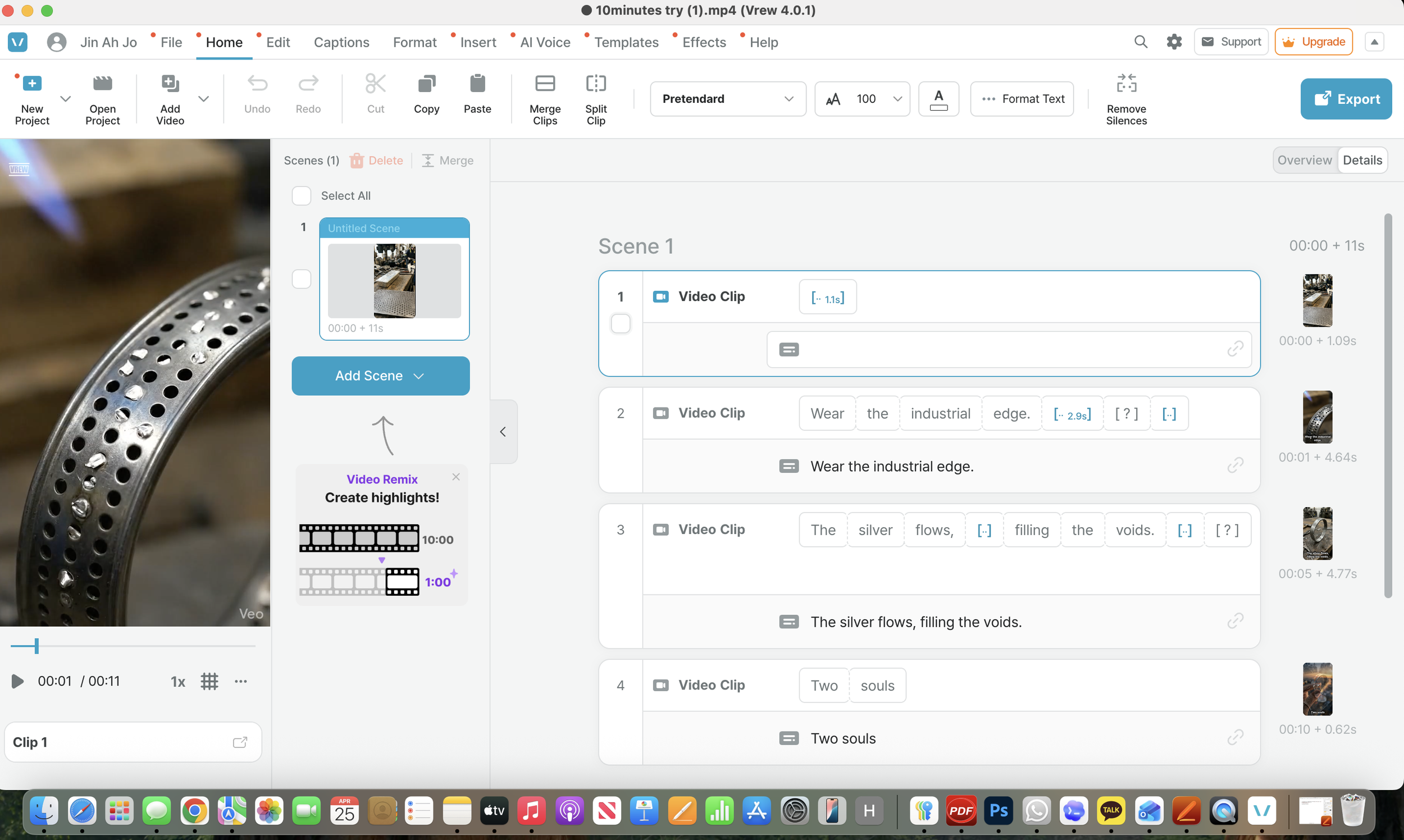
The subtitles being created with Vrew ai.